Preview, edit, and collaborate on Markdown (.md) files natively across Drive and Docs
Workspace Updates Blog
Google Docs can now open and edit Markdown files without converting them. Drive also shows rendered previews, so the format stays neat across both apps.
Based on reporting by Workspace Updates Blog — read the original for the full story.
Summary, retelling and take written by AI under human oversight; images are AI-generated illustrations. How we work · Report an error
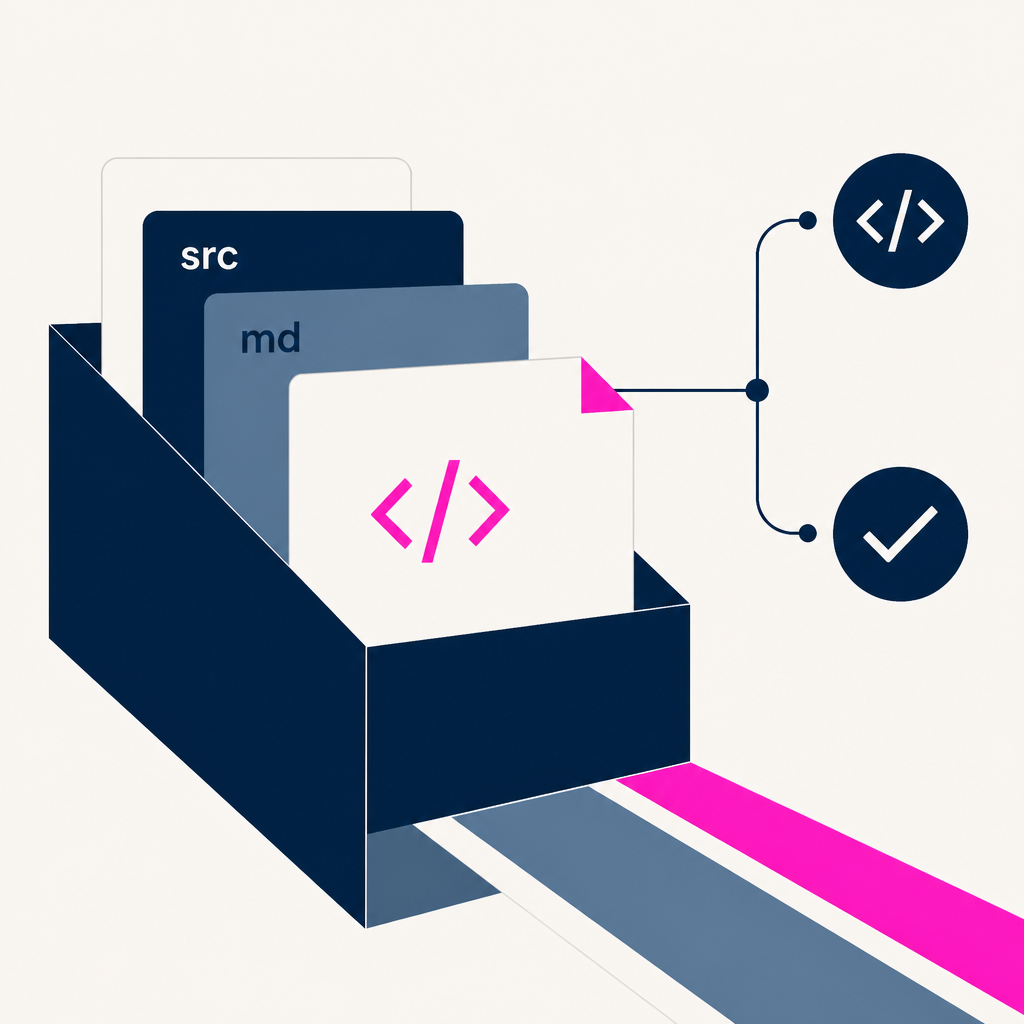
Google is adding native Markdown support to Docs and Drive. Starting October 5, 2026, users can view, edit, and collaborate on .md and .markdown files directly in Google Docs, while Drive will show rendered previews of those files.
The change matters because it removes a clumsy extra step. Before this, Markdown had to be imported and converted into a Doc, which could change formatting, strip comments, and split a single file across formats. Now the file stays Markdown while people work on it.
That should help in the places Google clearly has in mind: shared documents, structured text, and AI workflows. Markdown is already common for preserving things like tables, headers, and bulleted lists, and Google says editing it in Docs also lets users and agents collaborate without forcing anyone into raw syntax or manual conversions.
Drive is getting a useful upgrade too. Rendered Markdown previews will show formatted text, clickable links, and structured tables right in the file browser. There’s no admin control and no end-user setting for the feature, and Google says it’s rolling out gradually over up to 15 days for Rapid Release and Scheduled Release domains. It’s available to Google Workspace customers and people with personal Google accounts.
My take — AI-written commentary, not fact-checked reporting
This is the kind of feature Google should have shipped years ago. Markdown is boring on purpose, which is exactly why it works; the less time people spend wrestling with conversions, the better. Nice to see Docs finally acting like a tool for actual writing instead of a detour into file-format theatre.
Read more about this at: Workspace Updates Blog