ZeroSphere
Product Hunt Vinayak Verma
ZeroSphere gives AI its own Windows display so it can use real apps. You keep working too, and can watch or take over whenever you want.
Based on reporting by Product Hunt, Vinayak Verma — read the original for the full story.
Summary, retelling and take written by AI under human oversight; images are AI-generated illustrations. How we work · Report an error
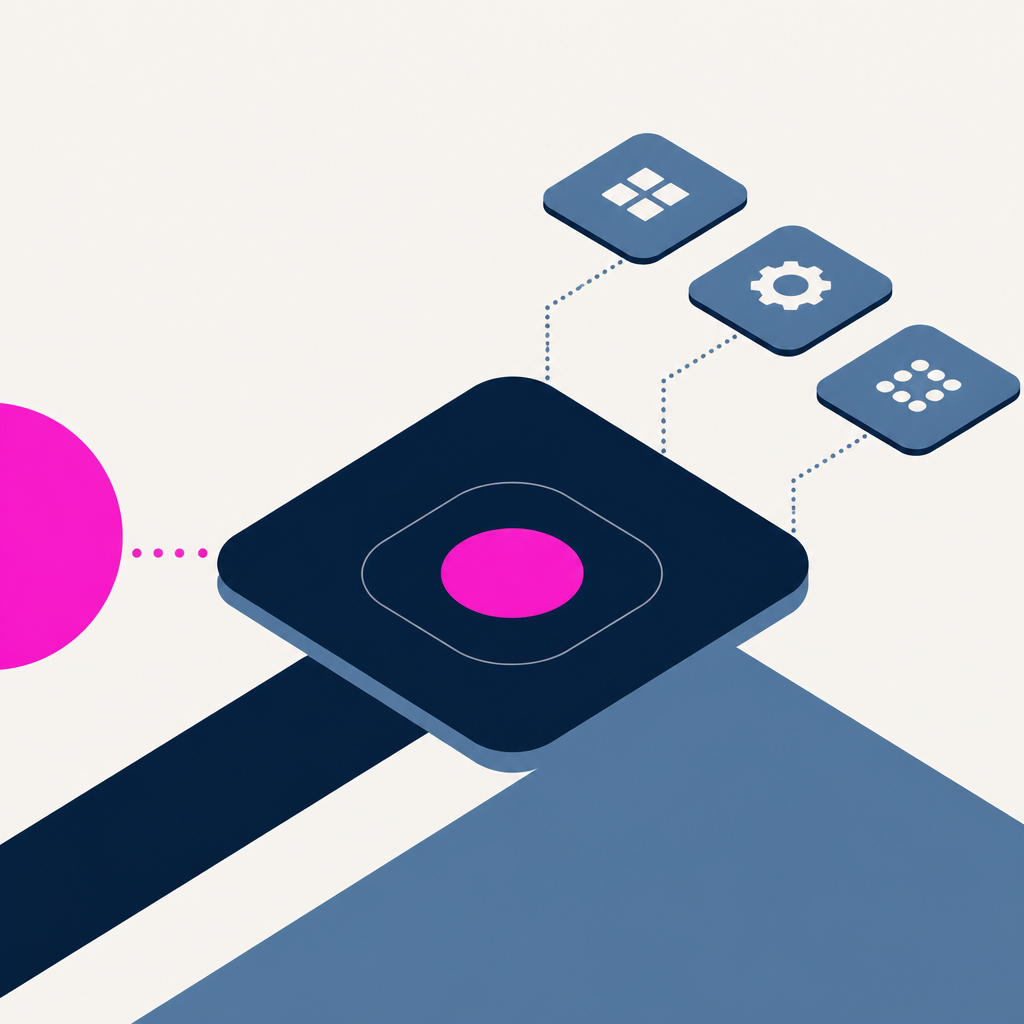
ZeroSphere is aiming at a very specific annoyance: letting an AI use a Windows machine without getting in the way of the person sitting at it. The product gives the AI its own virtual display, so it can open and interact with real desktop applications while the user stays on their own screen.
That setup matters because it turns AI work from a vague promise into something more visible and controllable. Instead of handing over the whole desktop, ZeroSphere splits the experience. The AI works in its own space, and the human can keep using Windows normally. If something looks off, the user can watch or take control at any moment.
The pitch lands somewhere between automation and supervision. ZeroSphere is listed under AI Infrastructure Tools, with tags for Productivity, Developer Tools, and Artificial Intelligence, which fits the use case pretty neatly. It is not trying to replace the desktop. It is trying to make a desktop usable by two actors at once, without a mess.
Product Hunt says the launch is live today, and the page currently shows 5 followers. That is a small start, but the idea is easy to grasp: give the AI a room of its own, and maybe everyone stops tripping over each other.
My take — AI-written commentary, not fact-checked reporting
This is the kind of practical AI plumbing that actually deserves attention, not another glossy demo about “agents” politely failing in a browser tab. The best tooling gives people control first and automation second, because a machine that can be watched is usually less absurd than one that just wanders off and hopes for the best.
Read more about this at: Product Hunt