Kimi Browser Extension adds navigation, form-filling, extraction, and reusable skills
Kimi
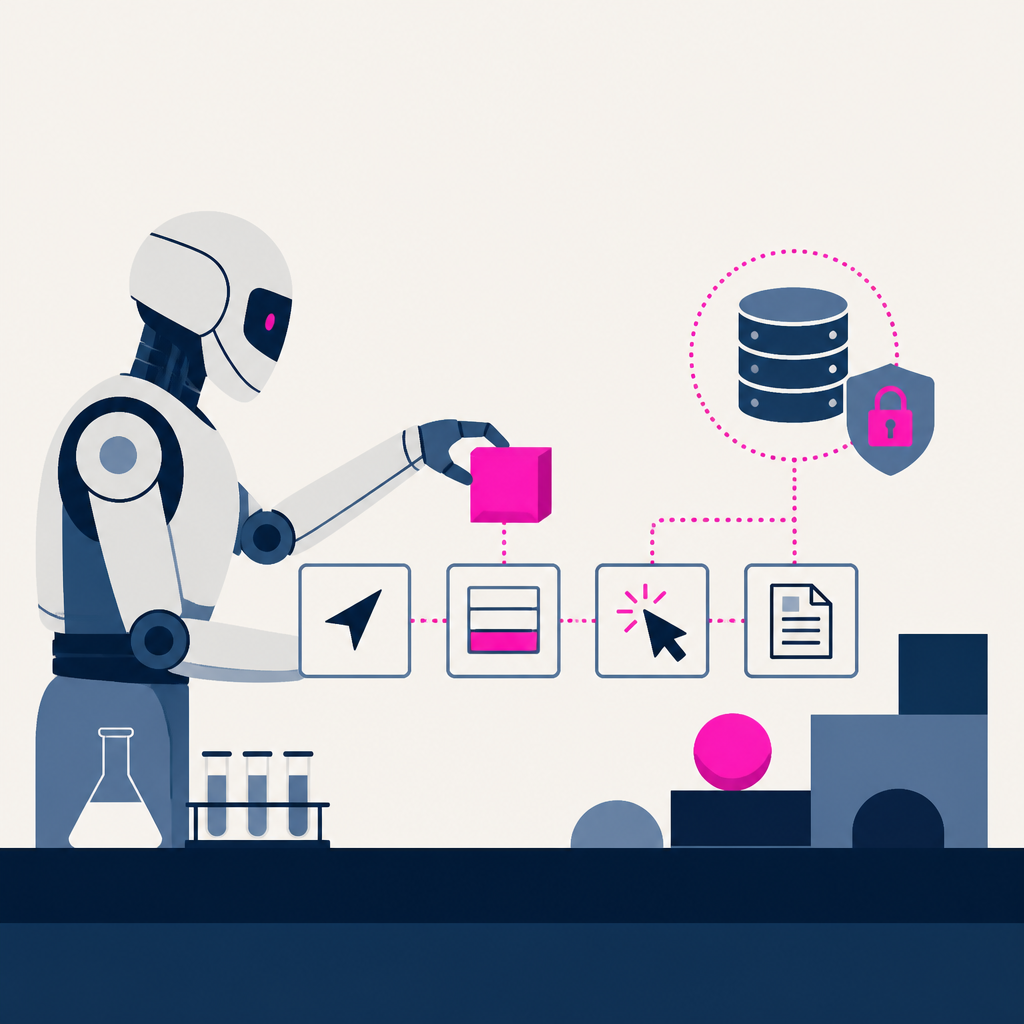
Kimi Browser Extension added browser automation for AI Agents, enabling it to open pages, click buttons, fill forms, and extract information. It pairs a local service with the extension using the Chrome DevTools Protocol to navigate, take screenshots, and read pages. Everything runs locally, so login sessions and page content stay on your device, and users must sign in for the sidebar entry and connection flow changes from the earlier Kimi WebBridge naming.
Why it matters
Kimi’s extension can navigate, click, fill forms, extract information, and record repetitive browser flows as reusable skills. The newsletter frames it as bringing agent-like browser automation closer to everyday workflows.